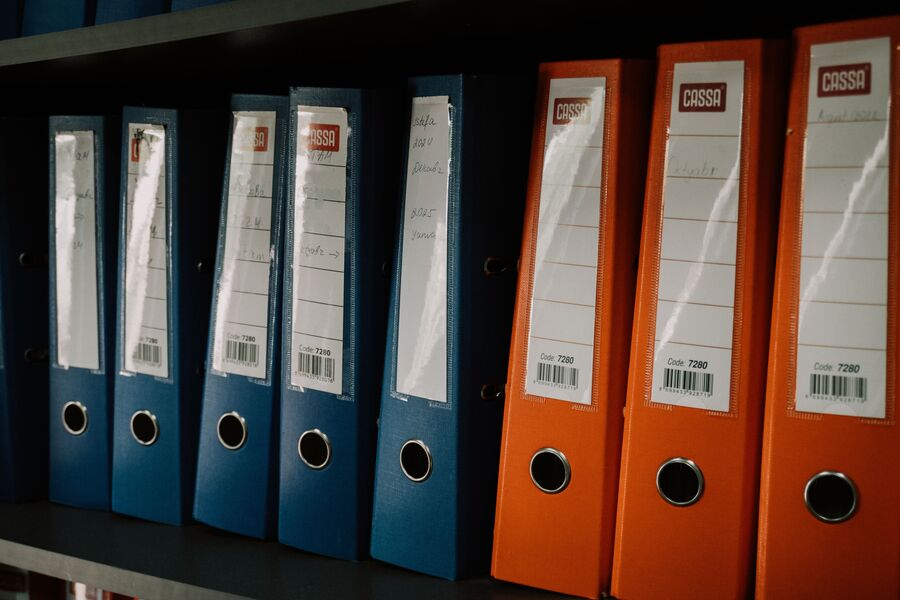
How to Organize Your Digital Files Like a Pro
Simple File Organization Tips to Keep Your Digital Life Organized
Finding important files shouldn’t feel like solving a mystery. With a few simple organization habits, you can keep your documents easy to find, reduce digital clutter, and save valuable time. Whether you’re managing work projects, personal files, or photos, a well-organized filing system makes everyday tasks much more efficient.
Create a Clear Folder Structure
Start by organizing your files into main categories such as Work, Personal, Photos, Finance, and Projects. Within each folder, create subfolders for specific clients, years, events, or subjects. A logical folder structure makes it much easier to locate documents whenever you need them.
Use Consistent File Names
Choose file names that clearly describe the contents of each document. Instead of using names like “Document1” or “NewFile,” use descriptive titles such as “2026_Project_Proposal_ClientName.pdf.” Including dates in the YYYY-MM-DD format also helps keep files automatically sorted in chronological order.
Clean Up Your Files Regularly
Set aside time each month to review your files. Delete duplicate documents, remove outdated downloads, and organize anything left in your Downloads folder or on your desktop. Regular maintenance helps prevent unnecessary clutter from building up over time.
Back Up Important Documents
Protect valuable files by creating backups. Store important documents using cloud storage, an external hard drive, or both. Keeping multiple copies ensures your files remain safe if your computer is lost, damaged, or experiences a hardware failure.
Separate Work and Personal Files
Keeping work-related documents separate from personal files makes everything easier to manage. Dedicated folders for professional projects, financial records, family photos, and personal documents help reduce confusion and improve productivity.
Choose Search-Friendly File Names
Include meaningful keywords in your file names so they are easy to locate using your computer’s search feature. Clear names such as “Invoice_2026_July.pdf” or “Marketing_Report_Q3.docx” make finding documents much faster than using generic file names.
Keep Your Desktop Organized
Use your desktop as a temporary workspace rather than long-term storage. Move completed files into their proper folders regularly to maintain a clean, organized desktop that is easier to navigate and less distracting.
Build Better Digital Organization Habits
Staying organized doesn’t require complicated software or advanced technical skills. A simple folder structure, consistent file names, regular cleanup, and reliable backups can make managing your digital files much easier. Developing these habits will help you find important documents quickly, stay productive, and keep your digital workspace organized for years to come.